
Spaceships
Breathedge 2 spaceship and vehicle guides: manage and upgrade your ship, expand compartments, drive vehicles in space and on planets, travel systems.
Introduction
One of the three pillars of Breathedge 2's official marketing is the spaceship and vehicle system. In Early Access you manage and upgrade your own spaceship, expanding its capabilities and compartments, and you drive vehicles in outer space and on planetary surfaces — some of which even have trunks for cargo. The ship is your mobile base and your progression hub: it carries your crew, houses storage, and unlocks longer journeys across the star systems of chapter 1. This category explains how ship management works, what compartments and upgrades are available, how maintenance, fuel and power function, and how vehicles fit into exploration. Because some of the most exciting features — a personal spacecraft, warp jumps and flying vehicles — are planned for later in early access, the guides clearly separate what ships at launch from what is on the roadmap. You will also find practical advice on cargo and storage, vehicle selection for different terrain, and how the Afterburner shown in the demo fits into the wider travel system.
Ship & Vehicle Quick Reference
| System | Status | Key Info |
|---|---|---|
| Spaceship Management | EA Launch | Upgrade ship capabilities and expand compartments |
| Space & Planet Vehicles | EA Launch | Drive vehicles in zero-g and on surfaces, some with trunks |
| Afterburner | Demo/EA | Fast travel tool for quicker traversal |
| Personal Spacecraft | Roadmap | Planned flying spacecraft for full release |
| Warp Jump | Roadmap | Planned fast travel for full release |
Ship Systems
Spaceship Management
Manage and upgrade your spaceship as a mobile base: capabilities, compartments, maintenance, fuel, power and storage all live here.
Vehicles
Drive vehicles in outer space and on planetary surfaces — some with trunks for cargo — to cover ground faster.
Afterburner
The fast travel tool introduced in the demo, used to sprint across open space and cut travel time between objectives.
Storage & Cargo
Ship compartments and vehicle trunks give you the carrying capacity needed for long scavenging and construction runs.
Maintenance Routine
The daily upkeep loop that keeps your ship flying: repairs, fuel, power and pre-flight checks before every trip.
Core Mechanics
The spaceship serves as the anchor of Breathedge 2's traversal and progression. At early access launch the ship is a fully functional vessel you can manage, upgrading its capabilities and expanding its compartments to support longer journeys and a growing crew. Maintenance is a continuous obligation: fuel and power reserves must be kept topped up, and damaged systems must be repaired before they fail during a long flight. The ship's compartments double as storage and as the home for crew members, tying the spaceship system directly to crew management. Vehicles extend your reach beyond the ship: you can drive them in outer space and on planetary surfaces, with some models offering trunks that let you carry more scavenged resources back to the ship. The Afterburner, shown in the demo, provides a fast travel option that makes repeated trips between zones much faster. Looking ahead, the developers have announced plans for a personal spacecraft, flying vehicles and warp jumps, but those are roadmap features planned for later in early access or the full release — the guides mark them clearly so players know what to expect on day one.
Advantages
The spaceship and vehicles category helps players get the most out of one of the sequel's headline marketing pillars. Because the ship is your mobile base, understanding how to manage fuel, power and repairs early prevents the frustrating situation of being stranded mid-journey with a failing vessel. Compartment and storage expansion advice lets you plan your ship layout to match your play style — more cargo for builders, more crew housing for management-focused players, more fuel for explorers. Vehicle guidance matters because the difference between ground and space vehicle handling is significant, and choosing the right vehicle for a zone saves both time and resources. The categorized status labels (EA Launch vs Roadmap) prevent disappointment: you know exactly which travel systems are available now and which are promised later, so your expectations match the actual early access build.
Challenges
The spaceship system is a moving target in early access. Some of the most exciting travel features — a personal spacecraft, flying vehicles and warp jumps — are not confirmed for the launch build and are treated as roadmap promises in this category. Because the game has not fully shipped, exact compartment slots, vehicle stats, fuel costs and power management values may change between patches. Vehicle handling and trunk capacity are described based on official announcements and demo footage rather than long-term testing, so specific numbers should be verified in the current build. Players who expect the full science-fiction fleet fantasy on day one may be disappointed — the early access ship and vehicle offering is solid but deliberately more modest than the roadmap vision.
Frequently Asked Questions
Can I drive vehicles in space?+
Is the personal spacecraft in the launch build?+
How does the Afterburner work?+
Quick Tips
Keep fuel and power topped up before every long journey. The most common ship failure is setting out with a comfortable-looking but actually marginal fuel reserve and watching it drain during a long flight. Make refueling and recharging part of your pre-departure checklist, alongside oxygen refills and suit repairs. A thirty-second stop at the ship before launch can save you a thirty-minute walk back from the middle of nowhere.
Use vehicle trunks for scavenging runs: load the trunk with an extra oxygen refill, repair materials and storage space for resources. Vehicles with trunks effectively extend your carry capacity, turning a short trip into a much more efficient loop. Decide which vehicle to take based on the terrain — a ground vehicle with a trunk beats a small space vehicle on planetary surfaces where you need to haul heavy loads back to the ship.
Expand compartments in an order that matches your play style. If you explore constantly, prioritize fuel and engine compartments; if you craft and build, prioritize storage and workbench space; if you manage crew, prioritize living quarters. The ship is your base of operations, so its layout directly shapes your efficiency. Revisit your layout after each major story milestone — new crew and new vehicles often demand new compartments.
Treat the Afterburner as a route optimizer, not a panic button. Plan your scavenging loop so that each Afterburner activation covers the longest empty stretch, and avoid using it inside dense wreckage where you still need fine control. Efficient travel keeps your resources high and your frustration low, and it is one of the easiest habits to build in the early game once you have the tool unlocked.
Featured
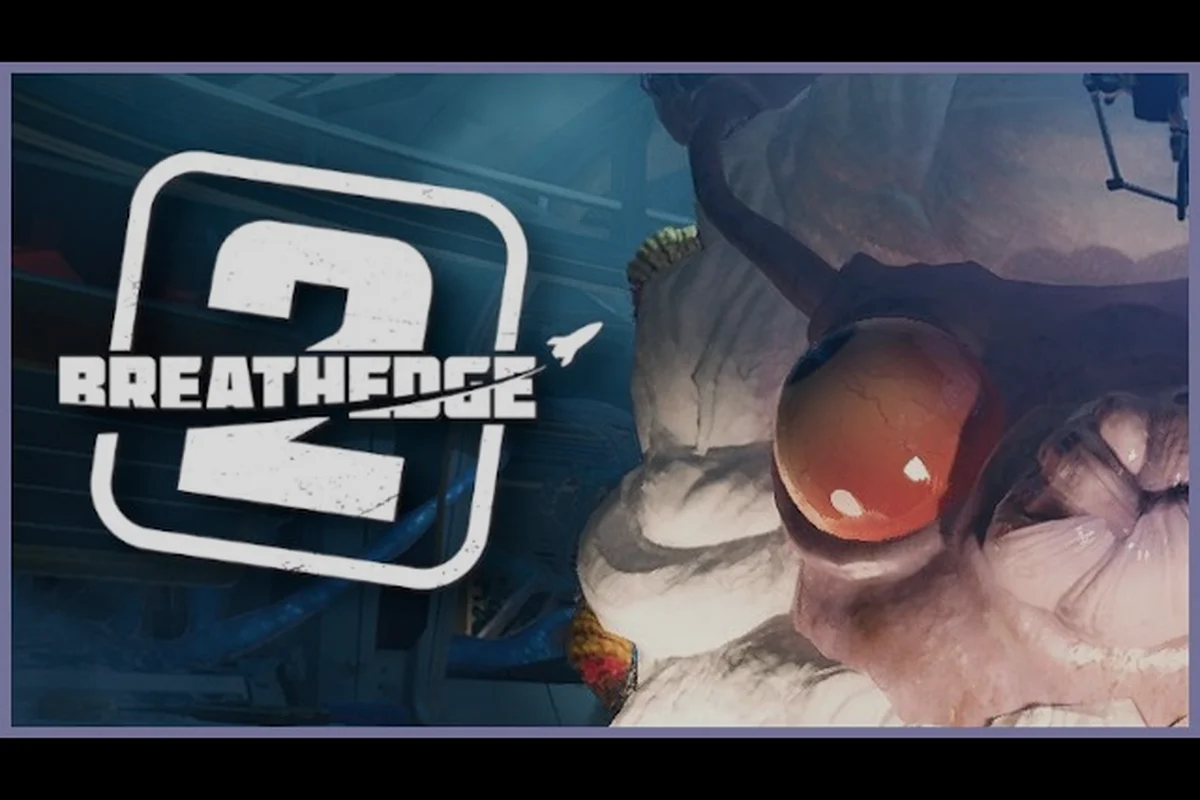
Breathedge 2 planetary driving: everything about rovers
Prepare for Breathedge 2 planetary driving with the confirmed vehicle plans. Ground vehicles and flying craft expand exploration beyond the first zones.
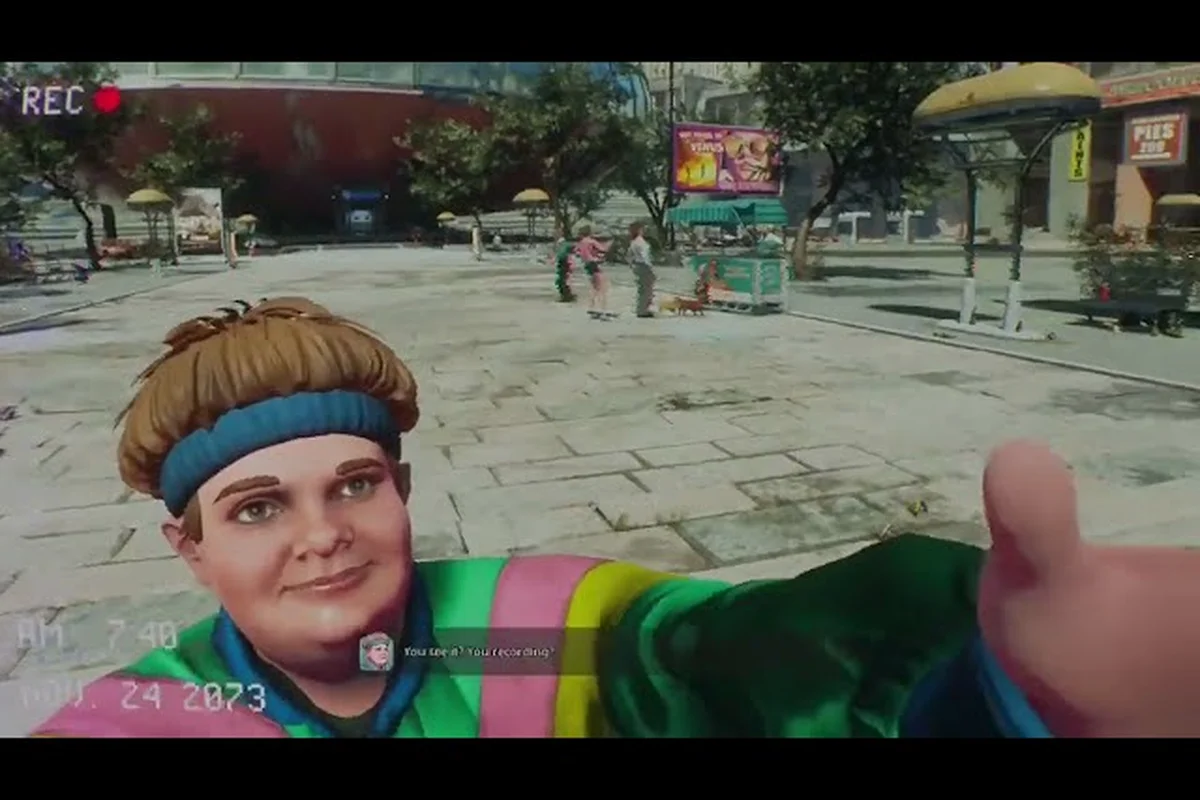
Breathedge 2 ship customization: design your vessel
Match your Breathedge 2 ship customization to your playstyle. The roadmap shows how spacecraft design and compartment modules evolve over time.

Breathedge 2 ship repair guide: fix hull damage fast
Fix your Breathedge 2 ship and keep every system running with the right habits. Early Access includes repairs as a core loop with deeper maintenance later.
All Articles

Breathedge 2 expand ship: compartments and upgrade plans
Learn how to expand your Breathedge 2 ship with new compartments and systems. This roadmap covers spacecraft upgrades and building in Early Access.
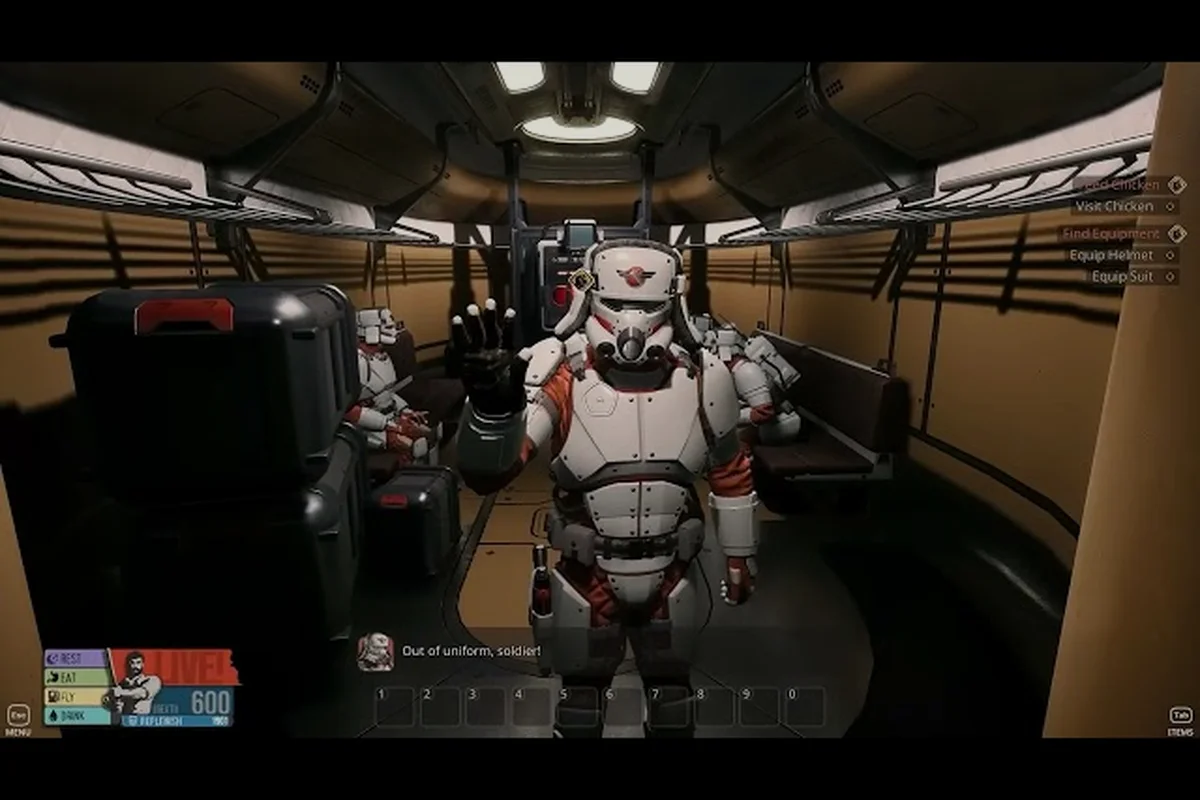
Breathedge 2 ship management: keep your spacecraft flying
Run a tight Breathedge 2 ship management routine once spacecraft arrive in Early Access. The roadmap plans compartments, upgrades, and crew operations.

Breathedge 2 spaceship guide: fly, customize, upgrade
The Breathedge 2 spaceship ties everything together: survive, craft, and fly through the galaxy. Read what RedRuins confirmed about the personal spacecraft.

Breathedge 2 vehicle controls: drive in space and land
Get the Breathedge 2 vehicle controls right before you drive. The game plans small flying and ground vehicles with full controller support on Steam.